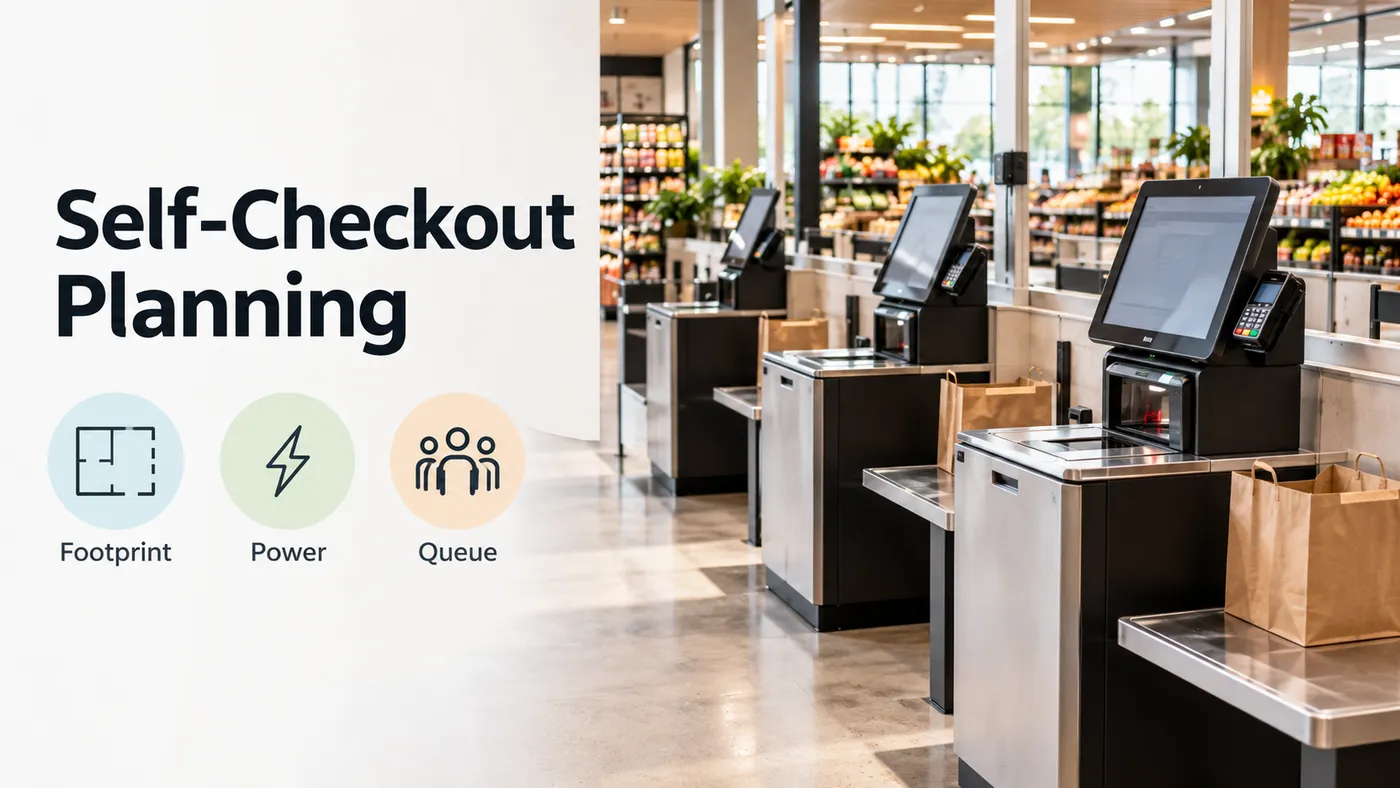
Plan a self checkout kiosk around the selected equipment configuration, then mark bagging space, service access, power and data entry, customer approach, and queue flow on the store drawing. Start with the model-specific footprint table below and complete the site-survey checklist before approving the layout.
For store owners and facilities teams comparing installation proposals, use this guide alongside our retail technology planning hub. Keep the selected model and its installation drawing attached to the survey throughout the review.
Compare the configured self checkout machine footprint
Match the purchase configuration to the dimension row before marking the floor. Record the model family, payment option and bagging option together.
| Selected configuration | Dimension to mark |
|---|---|
| Toshiba MxP (2xx), 6800-2K0 bolted kiosk | Width is 600 mm (23.62 in). |
| Toshiba MxP (2xx), 6800-2K0 bolted kiosk | Depth is 359 mm (14.13 in). |
| Toshiba MxP (2xx), 6800-2K0 free-standing kiosk | Width is 600 mm (23.62 in). |
| Toshiba MxP (2xx), 6800-2K0 free-standing kiosk | Depth is 525 mm (20.69 in). |
| Toshiba MxP (2xx), 6800-210 cash-recycling small bagging station | Width is 1117 mm (44in). |
| Toshiba MxP (2xx), 6800-210 cash-recycling small bagging station | Depth is 647 mm (25.5 in). |
| Toshiba MxP (2xx), 6800-210 cash-recycling medium bagging station | Width is 1453 mm (57.2 in). |
| Toshiba MxP (2xx), 6800-210 cash-recycling medium bagging station | Depth is 647 mm (25.5 in). |
| Toshiba MxP (2xx), 6800-200 cashless small bagging station | Width is 1117 mm (44in). |
| Toshiba MxP (2xx), 6800-200 cashless small bagging station | Depth is 748mm (29.5 in). |
For the proposal review, highlight the chosen row and draw its outline on the plan. Add separate marks for the customer, cart, bagging activity and service access. Ask the installation team to resolve each overlap on that drawing.
Set out bagging space and service access
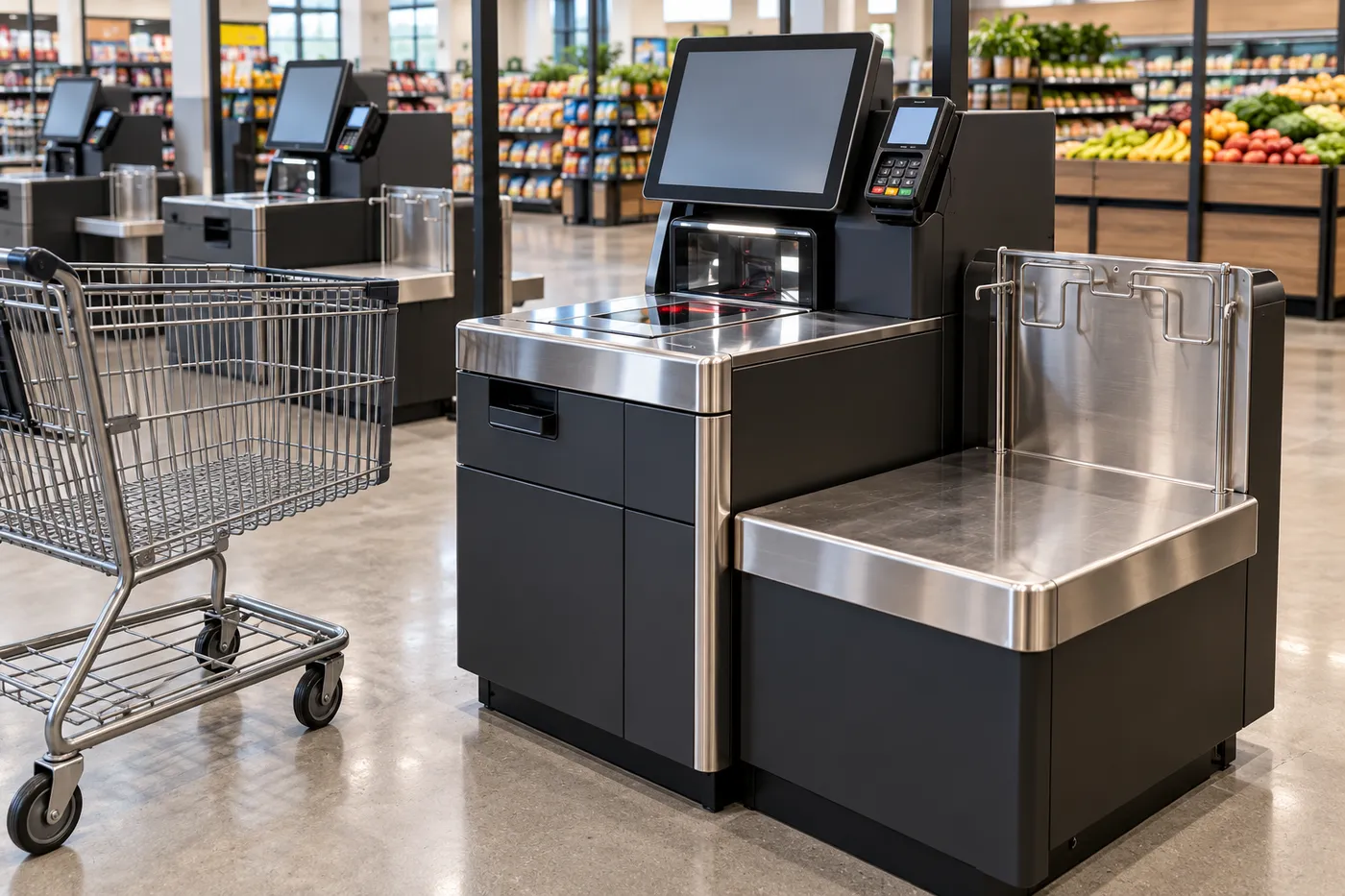
Review the bagging arrangement together with the selected hardware. Keep the bagging area, customer approach and maintenance access separately labelled on the survey. For the Diebold Nixdorf DN Series EASY ONE, a cash rack can be added underneath and a security scale to the side.
The historical NCR FastLane SelfServ Checkout (7360), Release 6.0 preliminary approval sample calls for a level floor for the checkout units. For that NCR configuration, airflow from overhead air-conditioning vents can adversely affect the security scales. For that NCR configuration, vibrations from unstable floors can adversely affect the security scales.
Mark overhead vents and floor conditions on the survey beside the proposed bagging position. Then record the access needed for each service task.
For the same historical NCR sample:
- Coin recycler service clearance is 36 inches to remove the coin box.
- Note recycler service clearance is 36 inches to access the back transport doors.
- Input belt clearance is 26 inches to remove the drip tray.
- Standard-model rear service clearance is 24 inches to remove the back panel for cable access.
Ask the service team to walk through the relevant removal and access tasks on the proposed plan. Record the panel, tray or recycler being accessed beside its clearance.
Coordinate retail kiosk power and data requirements
Build the utility schedule from the selected checkout’s installation documentation. List the checkout, optional equipment, outlet position, power-entry position and network connection as separate survey fields.
The historical NCR FastLane SelfServ Checkout preliminary guide sample provides the following model-specific utility details:
- A dedicated AC power circuit is recommended.
- The AC outlet must be near the checkstand and easily accessible to the operator.
- The optional Electronic Article Surveillance system requires a second independent AC circuit.
- Input belts require their own independent power circuit.
- A 15 AMP circuit is recommended for 120V and 240V systems.
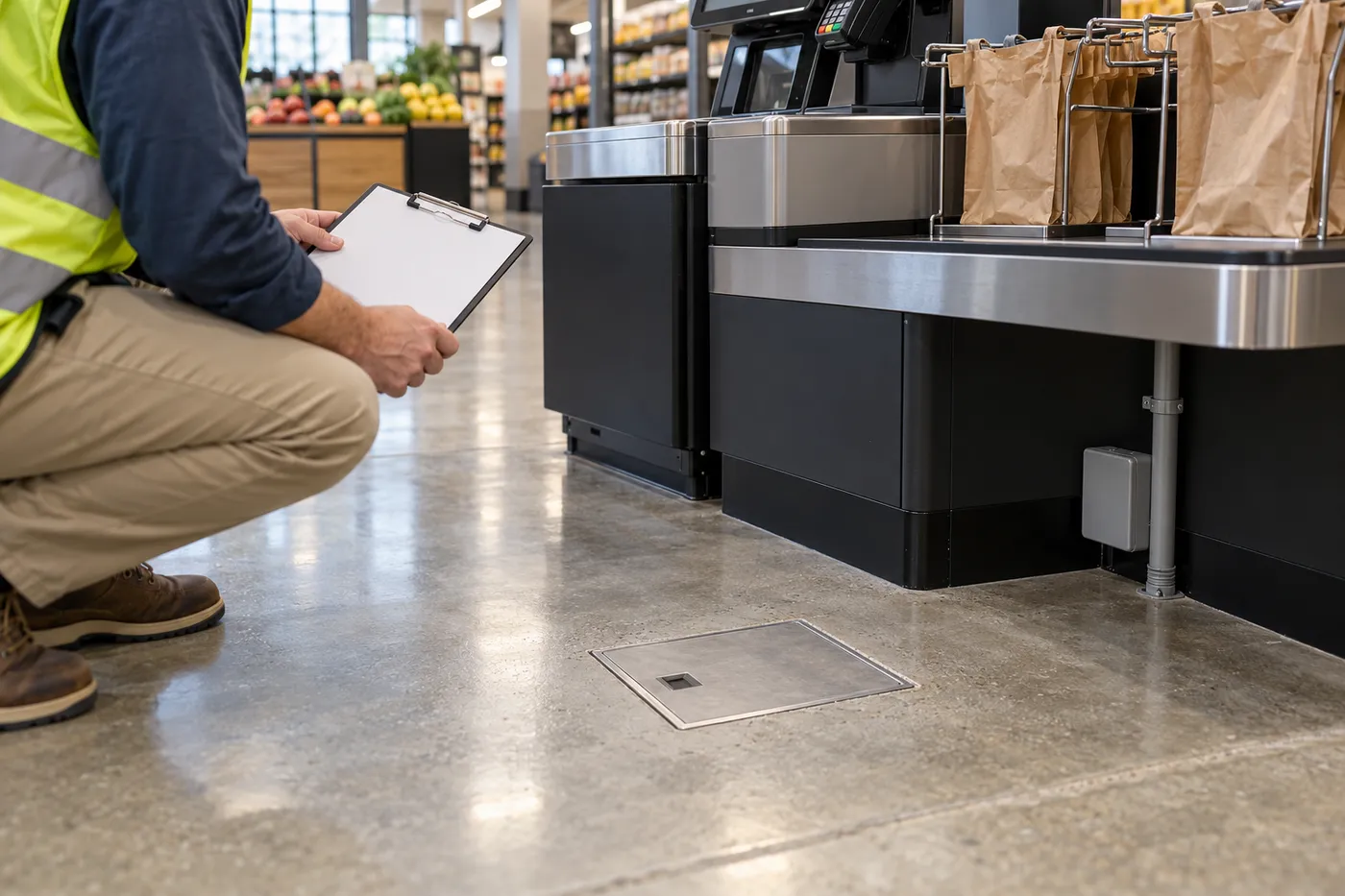
- Power-stub openings are under the bagging area.
- The checkout supports Ethernet 10/100 BASE-T LAN communication.
- A 6-foot LAN cable is provided with the system.
- No Bag configurations cannot route power into the core using a junction box or a ceiling drop.
Before fixing outlet or floor-box positions, place the proposed power and data entry points on the same drawing as the selected bagging configuration. Record the circuit assignment for each item and identify who will verify the completed connections.
Review accessible approach and queue routes
Give accessible approach, turning space and walking routes their own review on the layout. Apply the US ADA requirements to the relevant spaces and route conditions. Where clear floor or ground space is required, the clear floor or ground space shall be 30 inches (760 mm) minimum by 48 inches (1220 mm) minimum. For the circular turning-space option where turning space is required, circular turning space shall be 60 inches (1525 mm) diameter minimum. Queues serving required accessible counters or check-out aisles shall comply with the walking-surface requirements. Check-out aisles shall comply with the walking-surface requirements.
On the site plan, label the accessible approach and route review independently from the equipment footprint and service-access review. Ask the project reviewer to record the applicable route, turn and passing-space provisions alongside the drawing.
Position the queue head and protect the host view
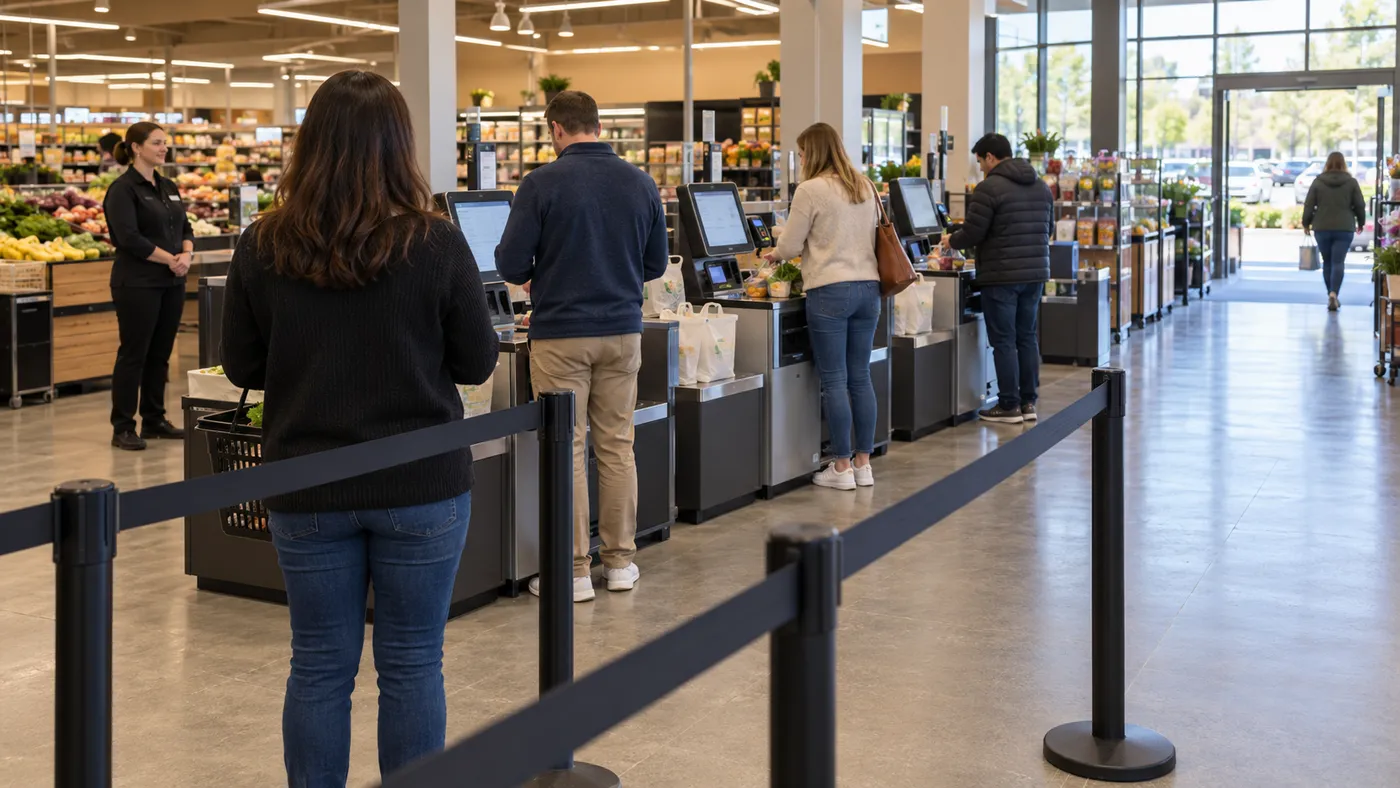
Sketch the self checkout queue layout from entrance to checkout selection and exit. Mark the head of the line and the proposed host position before arranging the barriers. Per Tensator queue-layout guidance, the queue entrance should be obvious, using signage. Per Tensator queue-layout guidance, the queue should end where the next customer can see all checkouts and notice a vacancy. Per Tensator, single-line queuing serves customers in the order they entered the queue.
ECR Retail Loss design research identifies overcrowding as a cause of blind spots for self-checkout hosts. The ECR research observed queues pushing into the checkout area where there was no barrier at the queue front. The ECR research found shoppers struggling to find a till for their desired payment type. Hosts need visibility of the entire checkout area from one location or support through staffing, surveillance/security systems, or alternative layouts.
Walk the proposed customer route and host position together. At the queue head, check the view of available checkouts and payment-type signs. Mark where waiting customers should stop, and sketch the exit route alongside the waiting line.
Self-checkout site-survey checklist
Copy these questions into the store survey. Attach the marked-up layout and the selected installation drawing to the completed record.
| Review area | Questions to resolve on site |
|---|---|
| Equipment selection | Which model, generation, payment configuration and bagging option are being ordered? Which installation drawing governs the proposal? |
| Footprint and use | Where is the configured equipment outline? Where will the customer stand, park a cart and collect bags? |
| Bagging location | Where are the overhead vents? What floor conditions need review at the proposed scale position? |
| Service access | Which panels, recyclers and trays need access? Where are their access areas marked? |
| Power and data | What circuit assignment and outlet location apply to each item? Where will power and data enter? What network specification has been selected? |
| Accessible route | Where are the approach, turning and walking spaces? Who has reviewed the applicable requirements? |
| Queue and host | Where does the queue begin and end? Can the waiting customer see available checkouts? Can the host see the checkout area? Where will overflow and exiting shoppers go? |
| Handover | Who owns each unresolved drawing item? Who will check the installed layout against the agreed survey? |
Use the completed survey for the installation review, then continue with the self-service retail checklist. For a separate vending project, see smart vending machine site preparation.
Sources
- Toshiba MxP Self-Checkout Technical Specifications.
- NCR FastLane SelfServ Checkout Site Preparation Guide, historical preliminary approval copy hosted by Meijer.
- Diebold Nixdorf DN Series EASY ONE product card.
- US Access Board ADA Accessibility Standards.
- Tensator Retractable Barrier System.
- ECR Retail Loss, Self-Checkout: Improving Scan Accuracy Through Design.