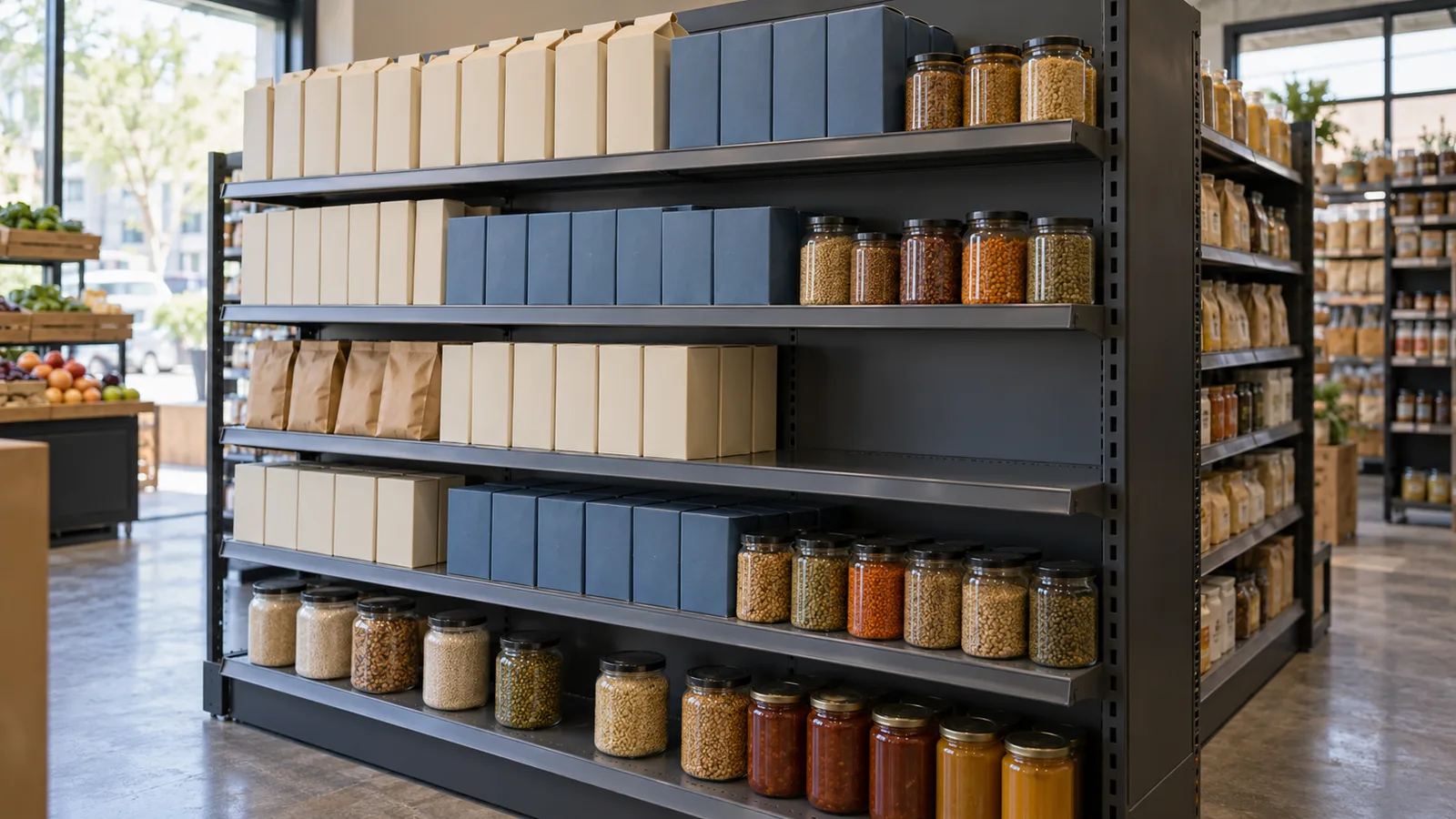
A planogram specifies where each SKU sits, which way its packaging faces and how many fronts appear on the shelf. To turn that layout into usable shelf capacity, calculate horizontal facings × units deep × approved tiers, then check that the complete stock allocation meets the gondola shelf’s load rating and the fixture’s system limits.
A shelf can pass one check and fail another: cartons may fit but be difficult to grip; enough stock may fit for the refill interval but exceed the rated payload. Use the sequence below when setting a new bay or changing a pack size, shelf depth or assortment. The Operations hub brings together the related store planning guides.
| Check | Inputs to record | Decision it supports |
|---|---|---|
| Physical fit | Pack dimensions, shelf opening, dividers, gaps and permitted tiers | How many units fit and remain accessible? |
| Replenishment | Sales rate, time between shelf refills, stock remaining and units per case | Will the allocation cover the interval and accept the next refill? |
| Supported load | Gross packaged mass, shelf identity, angle and loading conditions | Can the shelf and complete fixture support that allocation? |
Product facings calculation: include the space between packs
Calculate the width of each SKU block, then add the shelf’s shared allowances. A horizontal facing is one product position across the shelf. Use the packaged selling unit’s face width in its intended orientation, including any bulge or seam that occupies space.
For a block containing at least one facing:
B = f × w + (f − 1) × g
Here, B is block width, f is horizontal facings, w is packaged face width and g is the gap between adjacent facings. The PlanogramBuilder User Guide uses this relationship for shelf linear space. There is one fewer internal gap than there are facings in a block.
Check the complete shelf as:
ΣB + G + E + H ≤ W
- ΣB: total width of all SKU blocks.
- G: clear gaps between different blocks.
- E: left and right edge allowances combined.
- H: width occupied by dividers or other hardware.
- W: clear inside shelf opening before subtracting those allowances.
Count each space once. If a measurement is already net of a divider, omit that divider from H; if the separation between blocks includes its thickness, split that separation into clear space and hardware before adding the terms.
For a single SKU with an allocated width A, already net of hardware and boundary allowances, the largest whole facing count is:
f_max = max(0, floor((A + g) ÷ (w + g)))
The function floor rounds down to a whole unit; max(0, …) keeps the result nonnegative. Use the same length unit throughout, a positive package width and a nonnegative gap. This model applies to separate rectangular footprints arranged in straight rows.

Set the handling allowance by picking and replenishing the real pack with the shelf above in position. Check packaging variation as well as the nominal dimensions. A wider gap may help a side grip; a pack lifted over a retaining lip also needs vertical room. If staff must squeeze or deform the packaging to put it back, reduce the facing count or change the allocation before approving the layout.
Gondola shelf depth: turn each facing into stock capacity
Count whole packs within the usable supporting depth. Measure from the usable front boundary to the rear obstruction with trays, rails, back panels and pushers installed. The nominal shelf depth and the space available for merchandise can differ.
For pack depth d, usable depth D and an intentional gap g_d between consecutive packs:
n_deep = max(0, floor((D + g_d) ÷ (d + g_d)))
With no intentional depth gap, this becomes floor(D ÷ d). Keep every pack supported and inside the available space. For sloped shelving, measure the geometry in the intended position and check the retaining arrangement as part of the setup.
The geometric stock capacity of one SKU block is:
Q_geometry = f × n_deep × n_high
PlanogramBuilder distinguishes this total from front-visible facings, which equal f × n_high. Keeping horizontal facings and tiers in separate worksheet columns prevents a stacked display from being counted twice.

Start with n_high = 1. Add tiers only when the packaging’s stacking and compression limits, stability and available picking clearance support them. Dividing shelf height by pack height establishes a geometric fit; permission to stack also depends on those physical conditions. If a pack cannot fit in depth or height, adding horizontal facings cannot resolve the interference.
Match capacity to the refill interval and case pack
Choose facings against the stock needed between shelf refills, then test whether an arriving case fits beside the stock still there. Use the interval between actual shelf visits, including any refill from the backroom.
Let v be the store’s sales rate in units per day, T the shelf refill interval in days and b the store’s chosen buffer in units:
Q_target = ceil(v × T + b)
The function ceil rounds up to a whole unit. Quant’s Setting of Replenishment Criteria documentation relates stock cover to average daily movement and days of reserve. Select the buffer using the store’s demand variability and refill reliability, and revisit the sales rate when promotions or trading patterns change.
When units deep and approved tiers are both positive:
f_required = ceil(Q_target ÷ (n_deep × n_high))
Put that facing count back through the width and weight checks. If it exceeds the available space or supported load, change the assortment allocation, use a suitable fixture configuration or shorten the refill interval. Assign a refill owner and an empty-lane response using the self-service retail checklist.
For a full-case refill, let R be stock remaining, P units per case and k the number of cases being added:
R + k × P ≤ Q_allowed
Here, Q_allowed is the SKU’s approved quantity within a layout that has passed geometry, shelf-load and system checks. Recheck the combined shelf load at the planned refill quantities. A shelf’s total capacity need not be an exact multiple of the case pack: the space left at refill time determines whether the case can be emptied. If the inequality fails, use an agreed split-case backroom process, change the allocation or change the refill timing.
Check the gondola shelf weight limit for the exact configuration
Use the rating for the installed shelf, depth, bracket arrangement and angle, under the manufacturer’s stated loading condition. Record the product identity and manual or rating-sheet revision alongside the layout.
Calculate product mass across the whole shelf:
M_products = Σ(q_i × m_i)
For each SKU, q_i is the planned stocked quantity and m_i is the gross mass of one packaged unit. Include the container, closure and contents. Use the same weight unit as the rating; a beverage’s volume is a different input from its packaged mass. Account for trays and accessories according to the manufacturer’s definition of rated payload, and follow that definition when handling shelf self-weight.
A manufacturer example: depth and angle change the rating
The Madix Flush Front Upper Shelf product specification gives the following ratings for evenly distributed static loading. The table preserves its stated depth groups; match an installed shelf to its exact product configuration before applying a rating.
| Stated shelf depth | Flat | 15° downslope | 30° downslope |
|---|---|---|---|
| 6–8 in | 300 lb | 250 lb | 100 lb |
| 10–24 in | 500 lb | 250 lb | 100 lb |
| 26–30 in | 400 lb | 200 lb | 100 lb |
For the listed 10–24 in group, changing from flat to 15° downslope changes the stated rating from 500 lb to 250 lb. At 30°, it is 100 lb. An angle change therefore requires a fresh load check even when the SKU mix stays the same. Greater depth also does not imply a higher rating: the listed 26–30 in flat group has a lower rating than the 10–24 in flat group.
An evenly distributed static rating applies to load spread across the shelf under static conditions. Concentrated stock or impact loading requires a rating that covers that condition. With mixed SKUs, the shelf’s capacity is shared: calculate the combined payload before allocating more space to any one product.
Check the complete gondola as well as each shelf
The fixture’s uprights, frame, base, assembly and loading balance impose additional conditions. Lozier’s Boutique Island and Wall Sections Installation Instructions, revision C dated January 20, 2016, explain how loads acting away from the upright create a moment and how loading or unloading one side affects imbalance. Apply the matching system manual to the actual installation, including restocking states when one side is less full.
Place heavy stock only on a level rated for the intended load. A low position alone does not establish a base deck’s capacity. If shelving leans or bends under load, reduce the load and correct the cause before reloading; remove damaged components from service in accordance with the fixture instructions. Resolve the structural checks before carrying out the final full-stock picking and refill trial.
Complete the shelf capacity worksheet before the reset
Record SKU calculations separately from shared shelf limits. Download the SKU capacity worksheet (CSV) and the shelf checks worksheet (CSV). Open them in a spreadsheet, add one row per SKU block and one row per shelf, and match the rows using the bay and shelf identifiers. The CSVs provide fields for measurements and results; calculate those results with the equations above.
| Record | What to enter |
|---|---|
| SKU identity and fit | Display orientation; packaged width, depth and height; gross unit mass; assigned width; usable depth and height; gaps; horizontal facings; approved tiers |
| Stock calculation | Units deep; geometric capacity; sales rate; refill interval; buffer; target stock; required facings; approved quantity |
| Refill event | Units remaining; units per case; cases to add; resulting quantity and product mass |
| Shared shelf space | Inside opening; total block widths; inter-block gaps; edge allowances; hardware occupancy; width result |
| Shelf and system limits | Manufacturer, model/part number, manual/revision, depth, angle, payload definition, accessories, combined mass, shelf result and system review |
| Physical release | Pick/refill result, responsible reviewer, date, layout version and corrective action |
Use these decisions to close the record:
| Finding | Change before approval |
|---|---|
| The blocks and allowances exceed the shelf opening | Reduce facings, change the mix or revise the fixture allocation; repeat the pick check. |
| Packages overhang or interfere with the shelf above | Change orientation or fixture geometry, then recalculate depth and tier counts. |
| The stock target exceeds approved capacity | Change the allocation or refill interval and recalculate the complete shelf load. |
| The full-case refill exceeds available capacity | Plan a split-case refill or alter the allocation or timing. |
| Payload or whole-system conditions fail | Revise the stock or fixture configuration and resolve the failed check before loading. |
| A pack binds during removal or replacement | Adjust handling clearance and repeat the fit and capacity calculations. |
Save the approved arrangement with the worksheet so a later pack-size or shelf-angle change triggers the relevant checks. After the reset, align shelf-edge labels with the new SKU positions and confirm rail fit using the electronic shelf labels guide.
Technical references
- zVisuel, PlanogramBuilder User Guide, pages 199–200 and 337–338: facing quantities, capacity, linear space and gaps.
- Retail Shelf Planner, Analyzing your first planogram, page 5: product intersections, overhang and depth/height checks.
- Quant, Setting of Replenishment Criteria: days of reserve and average daily movement.
- Madix, Flush Front Upper Shelf, product family FF(TYPE)S-(NW)(ND): depth- and angle-dependent ratings for evenly distributed static loading.
- Lozier, Boutique Island and Wall Sections Installation Instructions, revision C, January 20, 2016, pages 2–5: load limits, damaged components and unbalanced loading.